I’ve Been Using Devin/Windsurf All Week: It’s the Synergy, Not the Automation
I've been using it all week on a bunch of small side projects. My terminal amnesia is gone. Documentation lag basically disappeared. And that low-level deployment anxiety I used to feel? Almost nonexistent now.
I was already curious after the Cognition acquisition of Windsurf, so I finally decided to run the whole Devin setup properly instead of just watching tutorials. I wanted to get past the surface-level "it works" stage and understand what actually changes in the day-to-day workflow.
The tutorials do a good job explaining the mechanics, but after a week I kept coming back to one thing: the real value isn't that an agent can write code by itself. It's how the Autonomous Cloud Agent and the proactive IDE actually work together.
1. What We Missed: The Proactive Paradigm Shift
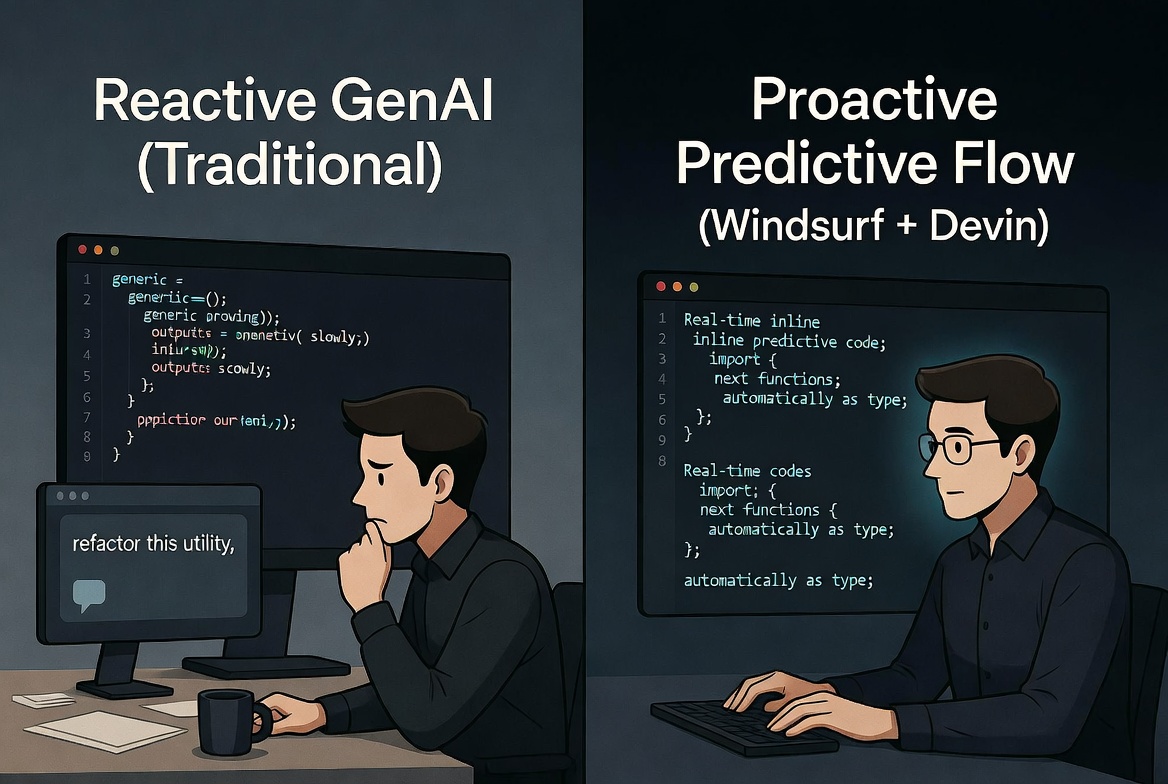
Most people still see Windsurf as "just another AI autocomplete." After using it for several days straight, what stood out to me is that it's not really a chat layer waiting for instructions. It's built to protect your flow.
Traditional tools sit there until you prompt them. Windsurf watches what you're doing — your editing speed, where your cursor is, what's around the code you're touching — and starts suggesting bigger structural changes before you even ask. It's not just finishing the variable name. While I was refactoring a data transformation utility that touched three different services, it had already suggested the right cross-service imports and a clean error-handling wrapper by the time I finished typing the first function.
Understanding 'Predictive Editing' vs Chat
This back-and-forth ended up being surprisingly smooth. I do the active coding and refinement inside Windsurf. When something gets heavy on the infrastructure side, I use /handoff to send the full context over to the Devin cloud agent. It spins up whatever needs to happen — tests, Docker environments, deployment scripts — while I keep moving on something else. Or I just close the laptop. The context actually survives the handoff better than I expected.
2. The Infrastructure Loop: Agent Cloud vs. IDE Flow
What makes the whole thing different is the clear split in responsibilities.
This week I settled into a pretty consistent rhythm:
Windsurf IDE (Local Flow): When I'm actively building or cleaning up logic and UI, I stay here. The predictive suggestions keep momentum going without breaking my focus.
Devin Cloud Agent (Async VM): Everything that needs real infrastructure work or long-running tasks goes here.

Need a README cleaned up, a full test suite for an old module, or a Docker Compose setup for browser testing? I just hand it off. The nicest part is being able to assign the task, close the laptop, and actually get a Slack notification later when the PR is ready to review.
3. Mastering Advanced Workflows (agents.md & MCP)
The more advanced features quickly became useful once I was juggling multiple small projects.
The agents.md file turned out to be surprisingly effective at keeping each project's rules consistent across sessions:
# agents.md (Example for a side project)
tech_stack: [TypeScript, Next.js (App Router), Prisma, Tailwind]
conventions:
  - Never use the 'any' type. Strict typing only.
  - State must use React Context/Reduce—no external state managers.
  - All database schemas must use Prisma Client.
On top of that, the Linear integration through MCP is genuinely useful. Creating a ticket can now trigger Devin to pick it up, make a plan, ask for approval if needed, and start working. It feels closer to having a reliable junior engineer who actually understands the constraints of the project.
One thing worth mentioning: on very large monorepos there's still a noticeable delay while it indexes everything before the predictions feel reliable. Once that initial pass is done though, the loop works really well.
Conclusion
After a week, it's pretty clear that Cognition isn't just shipping another coding agent. They're building the orchestration layer on top of it. The interesting part isn't which model you're using — it's how the tools around it are designed to work together without constant babysitting.
Reference Video: Devin AI Full Tutorial
For the core mechanics, this full tutorial by Tech With Tim is still one of the better ones out there: